
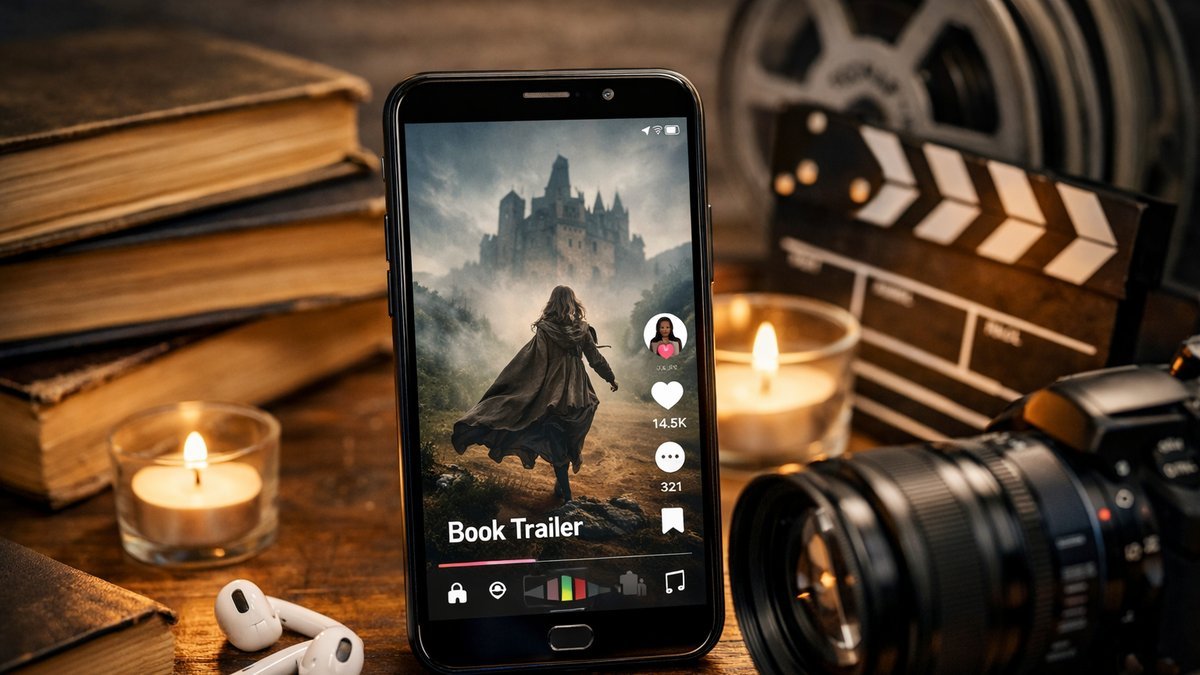
If you’ve written a book and want to reach readers on TikTok, Instagram Reels, or YouTube Shorts, a compelling video trailer is one of the most effective marketing tools available. You can create your own book trailer in minutes using an AI book trailer generator that transforms your title, author name, genre, and synopsis into a polished 1080×1920 portrait MP4 — no editing software, no design skills, and no production crew required. This guide walks you through everything you need to know to produce a trailer that actually converts browsers into buyers.
How Does the AI Book Trailer Generator Work?
The tool follows a straightforward four-step workflow that any author can complete on a lunch break.
Describe your book — Enter your title, author name, genre, and a few sentences of synopsis. More vivid descriptions produce more specific, cinematic results.
Choose a quality tier — Select Standard (AI scene images with Ken Burns motion, ready in ~2 minutes) or Cinematic (adds Runway Gen-4 Turbo video animation, ready in ~5 minutes).
Tune mood and audio — Optionally set a visual mood, color palette, music style, and AI voiceover. Skip this step to use genre-aware defaults.
Generate, edit, regenerate — After the first draft, all four scene prompts are editable. Refine any scene and regenerate as many times as you need.
Output Specifications
Output | Dimensions | Length | Format |
|---|---|---|---|
Portrait MP4 trailer | 1080 × 1920 px (9:16) | ~40 seconds | H.264 MP4 |
Background music | — | Full clip, ducks under voiceover | AAC |
AI voiceover (optional) | — | Opening sentence of synopsis | OpenAI TTS |
The 9:16 aspect ratio matches the native upload specification for TikTok, Instagram Reels, YouTube Shorts, Facebook Stories, and Pinterest Idea Pins — use the same file across all platforms without cropping or reformatting.
Standard vs. Cinematic: Choosing the Right Tier
✦ Standard
Four AI-rendered scene images
Cinematic Ken Burns motion animation
Genre-matched background music
Optional AI voiceover
Ready in approximately 2 minutes
Best for: debut trailers, ongoing social content, testing concepts
✦ Cinematic
Everything in Standard, plus Runway Gen-4 Turbo video animation
4–5 seconds of true motion per scene (drifting clouds, breathing portraits)
Auto-fallback to Standard if Runway is unavailable (difference refunded)
Ready in approximately 5 minutes
Best for: launch campaigns, BookTok ads, high-competition visibility
What Are the Best Tips for Writing Book Trailer Prompts That Actually Work?
The quality of your trailer is directly tied to the quality of your scene descriptions. Think of the AI as a camera operator — give it something to point at.
Frame a moment, not a plot summary. “A teenage girl stands at the edge of a foggy dock, holding a brass key” is far more useful than a paragraph of backstory.
Name the season, time of day, and weather. These three elements compress thousands of visual cues into a single instruction. “A winter night in an empty cathedral” produces a radically different scene than “a summer afternoon in a wheat field.”
Choose your music mood deliberately. The same imagery feels romantic with an emotional score and ominous with a dramatic one. Mood matters as much as visuals.
Spend the most time on Scene 4. The closing shot is what viewers remember — and it’s where your title and author name overlay lands. Edit it aggressively.
Iterate in rounds. Generate a draft, identify the weakest scene, edit that prompt, and regenerate. Three rounds is usually enough to produce a trailer you’d confidently post.
Why Is Vertical Video Essential for Book Marketing?
Vertical video has fundamentally reshaped how books are discovered online. Communities like #BookTok and Bookstagram have become powerful sales channels where a well-crafted 30-second portrait trailer — routed through the right hashtag — can outperform traditional advertising spend many times over. Vertical video consistently achieves significantly higher completion rates than landscape video on mobile devices, meaning the format difference alone determines whether most viewers finish watching your trailer.
A purpose-built book trailer generator accounts for this reality at every level: the output is locked to the portrait shape that platform algorithms reward, the four-scene structure is calibrated to the ~40-second window that maximizes completion on short-form video feeds, and the closing scene reserves negative space specifically for your title overlay.
How This Tool Compares to General Writing and Video Tools
Tool | Category | Key Difference |
|---|---|---|
Scrivener | Writing software | No AI generation; no trailer or EPUB export |
Sudowrite | AI writing assistant | Assists sentence-by-sentence; no video output |
NovelCrafter | AI writing workspace | Drafting assistant only; no trailer generation |
Generic AI video tools | General video generation | Output landscape clips at arbitrary lengths; not optimized for book marketing |
WorldAnvil | World-building wiki | Planning and organization only; no AI generation |
Campfire Write | Story planning software | Visual planning tools; no content generation |
Generic AI video tools output landscape clips at arbitrary lengths with no consideration for platform requirements or book marketing conventions. A dedicated book trailer generator is purpose-built: portrait format, structured four-scene arc, genre-matched audio, and a closing shot designed to carry your author brand — all in a single export-ready file.
What You Get With Every Book Trailer
🎬 1080×1920 portrait MP4 — ready to upload directly to TikTok, Reels, Shorts, and Stories
🎵 Background music included — mood-matched to your genre, ducked under voiceover
🎙️ Optional AI voiceover — six OpenAI voices narrate the opening line of your synopsis
✏️ Editable scene prompts — refine any of the four scenes and regenerate without starting over
⚖️ Full commercial rights — use your trailer across every author marketing channel
Whether you’re launching a debut novel or adding a short-form video to an established backlist title, the ability to create your own book trailer quickly — with editable AI scene prompts, built-in music, and a format optimized for every major vertical video platform — removes one of the most persistent friction points in indie author marketing. Start with a Standard trailer to test your concept, upgrade to Cinematic when you’re ready to run a full launch campaign, and iterate freely until every scene feels like your book.
Key Takeaways
An AI book trailer generator converts your title, genre, and synopsis into a ready-to-upload 1080×1920 portrait MP4 in as little as two minutes.
The 9:16 portrait format is natively compatible with TikTok, Instagram Reels, YouTube Shorts, Facebook Stories, and Pinterest Idea Pins — one file works everywhere.
Standard tier uses AI scene images with Ken Burns motion; Cinematic tier adds Runway Gen-4 Turbo true video animation for higher-impact launch campaigns.
Vivid, moment-based scene descriptions — naming season, time of day, and weather — produce the most cinematic results from the AI.
All four scene prompts are editable after the first draft, so you can iterate freely until every scene feels like your book.
Frequently Asked Questions
Do I need any video editing experience to create a book trailer with AI?
No editing experience is required. You enter your book details — title, author name, genre, and synopsis — and the AI handles scene generation, music selection, and video assembly automatically. The entire process runs in your browser with no software to install.
Can I use the finished trailer on multiple platforms?
Yes. Every trailer is exported as a 1080×1920 portrait MP4, which matches the native upload specification for TikTok, Instagram Reels, YouTube Shorts, Facebook Stories, and Pinterest Idea Pins. You can upload the same file to all platforms without cropping or reformatting.
What is the difference between Standard and Cinematic quality?
Standard trailers use AI-rendered scene images with Ken Burns motion animation and are ready in approximately two minutes. Cinematic trailers add Runway Gen-4 Turbo video animation for four to five seconds of true motion per scene — drifting clouds, breathing portraits — and are ready in approximately five minutes. Both tiers include genre-matched music and an optional AI voiceover.
How many times can I edit and regenerate my trailer?
There is no limit on regenerations. After your first draft is generated, all four scene prompts are editable. You can refine individual scenes and regenerate as many times as needed until every scene accurately represents your book.